US/UK Mini Cooper Tail Light Swap
Amber turn signals—they’re one of those things where once you know about them and notice their absence, you won’t stop noticing. Their absence and the use of red turn signals in their place is a North American phenomenon, as I learned from a great Technology Connections linked video below. Traditionally, amber indicates a turn, red indicates braking, and mixing the two requires extra attention from drivers to discern what you’re trying to do. Amber turn signals are unambiguous. Red turn signals are ambiguous.
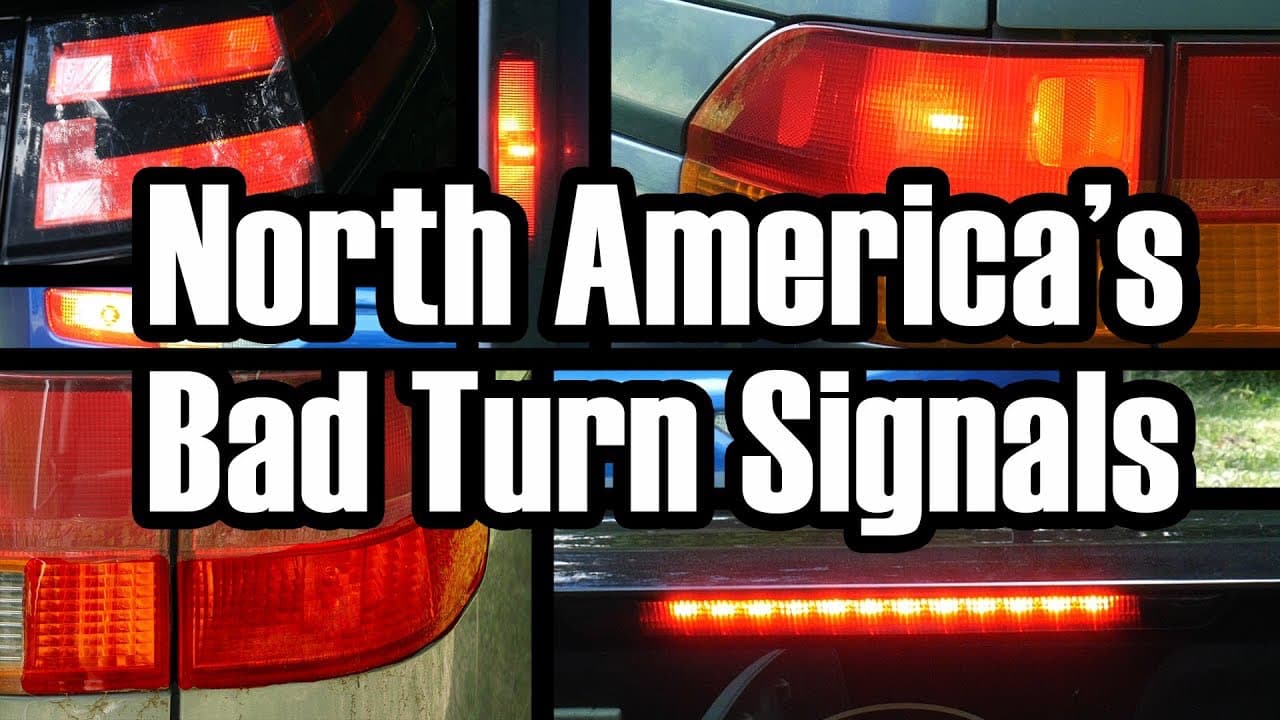
I would recommend watching the video in its entirety, it’s well worth the 14 minutes. It explains the issue far better than I can in a few words.
Union Jack Tail Lights
The Mini Coopers tail light design includes vertical and horizontal lights that behave differently in North America (NA) than in Europe. In NA, the vertical and horizontal lights flash together to indicate turning and illuminate solid to indicate braking. In Europe, the horizontal light is amber to indicate turning and the vertical light is red to indicate braking.
Here’s the behaviours side-by-side:
Signalling a turn
North America
Europe
Signalling a turn while braking (5s brake light)
North America
Europe
Notice that with the left side alone you can’t tell if the car is braking. This is mitigated by the right side staying solid and the centre high mount stop lamp.[1][2] See the video linked above for why this behaviour is flawed.
I want amber turn signals
I live in Canada and where a car has a “North American market” version, that’s what’s available here. But what is possible is more important than what’s available—because the Mini Cooper is available in Europe, even built in the UK/Germany, it had to be possible to have the European tail lights on my North American Mini Cooper.
North American Mini Coopers come with the following tail light part numbers:
63217435135is US left63217435136is US right
European Mini Coopers come with the following tail light part numbers:
63217435133is UK left63217435134is UK right
I had assumed they would simply be interchangeable, but that was not the case.
Installing the UK lights
Tools:
- OHP BMW ENET OBD to Ethernet E-SYS Cable
- Belkin Ethernet + Power Adapter with Lightning Connector
- BimmerCode for iOS
- T3 Torx screwdriver
- Nylon Trim Removal Kit
There are a lot of videos on YouTube that walk through how to physically change the light fixtures. I’ll leave that part out.
Process:[3]
- Swap out the physical light fixtures
- Download & install BimmerCode
- Follow the instructions for connecting with an ENET cable + Ethernet adapter
- Follow the instructions for coding in Expert Mode
- Body Domain Controller
BDC_BODY/Expert Mode3064LceLampMapping3MAPPING_BLINKER_H_L_OUTPUT- Change
off(0x00) tofra_h_l(0x20)
- Change
MAPPING_BLINKER_H_R_OUTPUT- Change
off(0x00) tofra_h_r(0x21)
- Change
MAPPING_BLINKER_H_L_IGR_RELEVANT- Change
active(0x01) tonot_active(0x00)
- Change
MAPPING_BLINKER_H_R_IGR_RELEVANT- Change
active(0x01) tonot_active(0x00)
- Change
3065LceLampMapping4MAPPING_BLINKEN_2_H_L_OUTPUT- Change
bl_l(0x18) tooff(0x00)
- Change
MAPPING_BLINKEN_2_H_R_OUTPUT- Change
bl_r(0x19) tooff(0x00)
- Change
- Body Domain Controller
The result
Here’s a video showing what these changes amount to. The first half is the original US behaviour, followed by the new UK behaviour from these changes. Importantly missing from the middle is the physical change in tail lights.